We're taking 25 founding testers — free, with your prices loaded for you. See the program

A whole job, start to finish, without ever going home first.

Here's what a job actually looks like in Anvil, from the first knock to the money landing. It's five steps, none of them happen at a desk, and the whole thing is built around the fact that you're already standing in front of the customer with your phone in your hand.

Step 1

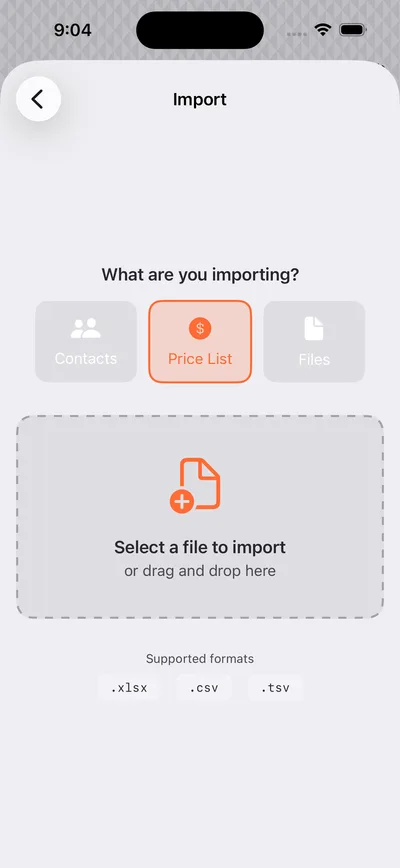
Set your prices once

Everything else depends on this one, so we'd rather do it with you than leave you to it. Send over a couple of quotes you've written in the past and we'll turn them into your price list — every service you actually sell, priced the way you actually price it. It's normally done before you've even installed the app.

Onceand you never set it up again — every quote after this pulls from the same list.
See a sample price list
Photo — setupAnvil price list on a phone, held in a work-worn hand. Real screen, real hand.
Step 2

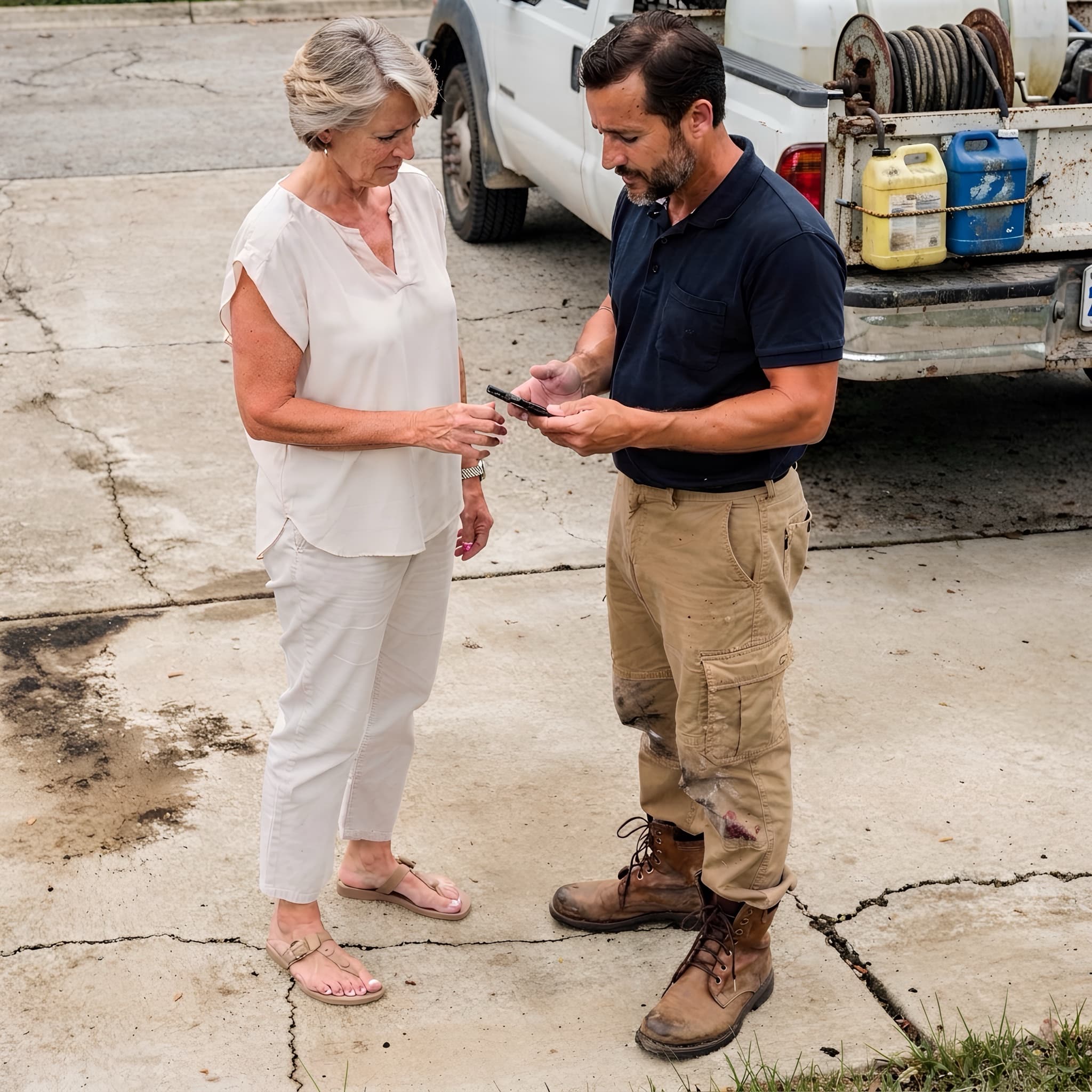
Build the quote where you're standing

You're already walking the property and already having the conversation. Now you tap the services as you go, adjust the quantities to what you're actually looking at, and the total adds itself up — tax included — while you're still talking. Nothing to write up again tonight, because it's already written.

~20 minsaved on every single quote, because you only do it once instead of twice.
Try building a quote
Photo — the drivewayContractor and homeowner both looking at the phone. Two faces, daylight, a real driveway.
Step 3

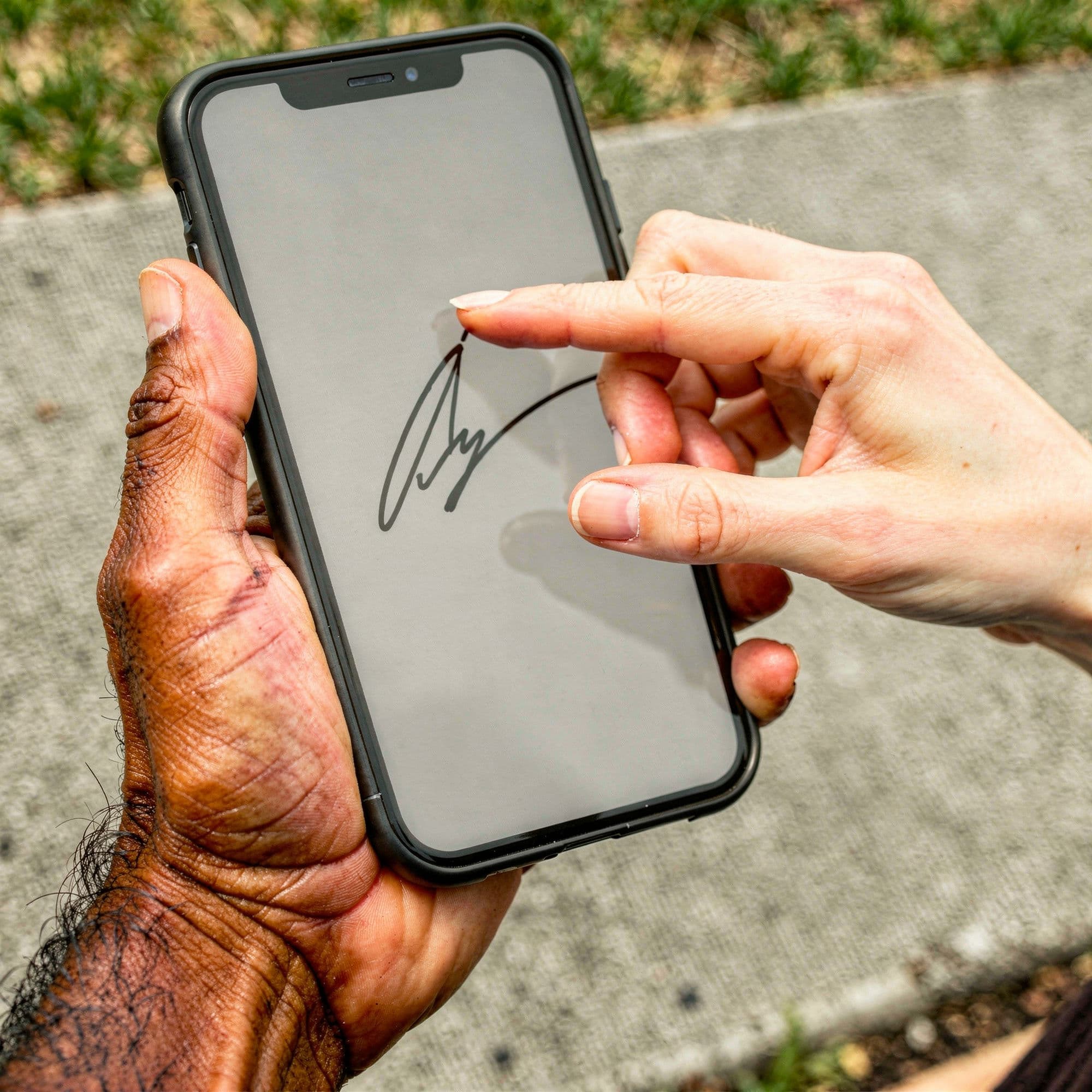
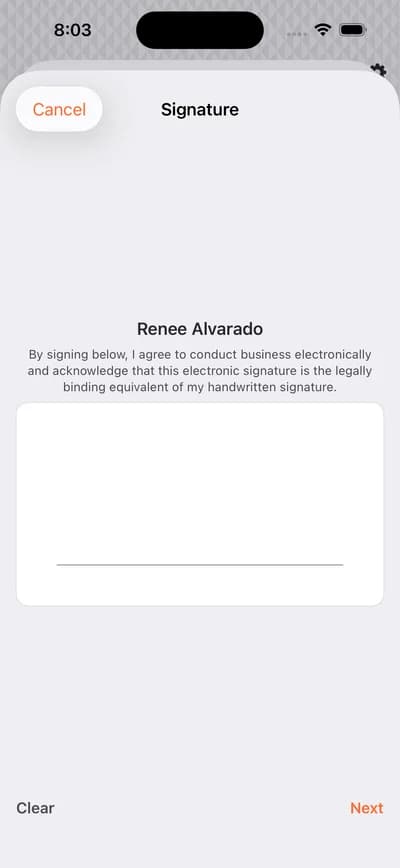
They sign before you pull away

They sign it right on your phone, in person, while you're both still standing there and the job is fresh in their mind. The signed copy files itself against the job automatically — there's nothing to print, nothing to scan, and nobody to remind a week later.

Daysoff the follow-up — a signature on the spot instead of two weeks chasing an emailed PDF.
See what the customer sees
Photo — the signatureCustomer's finger on the screen mid-signature. Close, warm, unmistakable.
Step 4

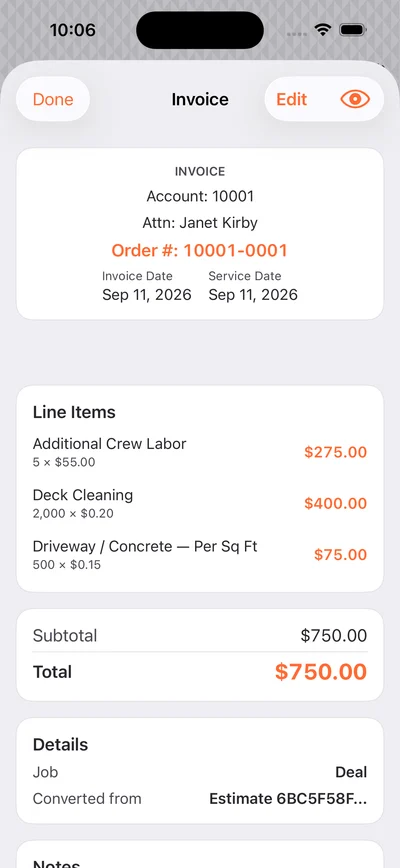
The invoice writes itself from the quote

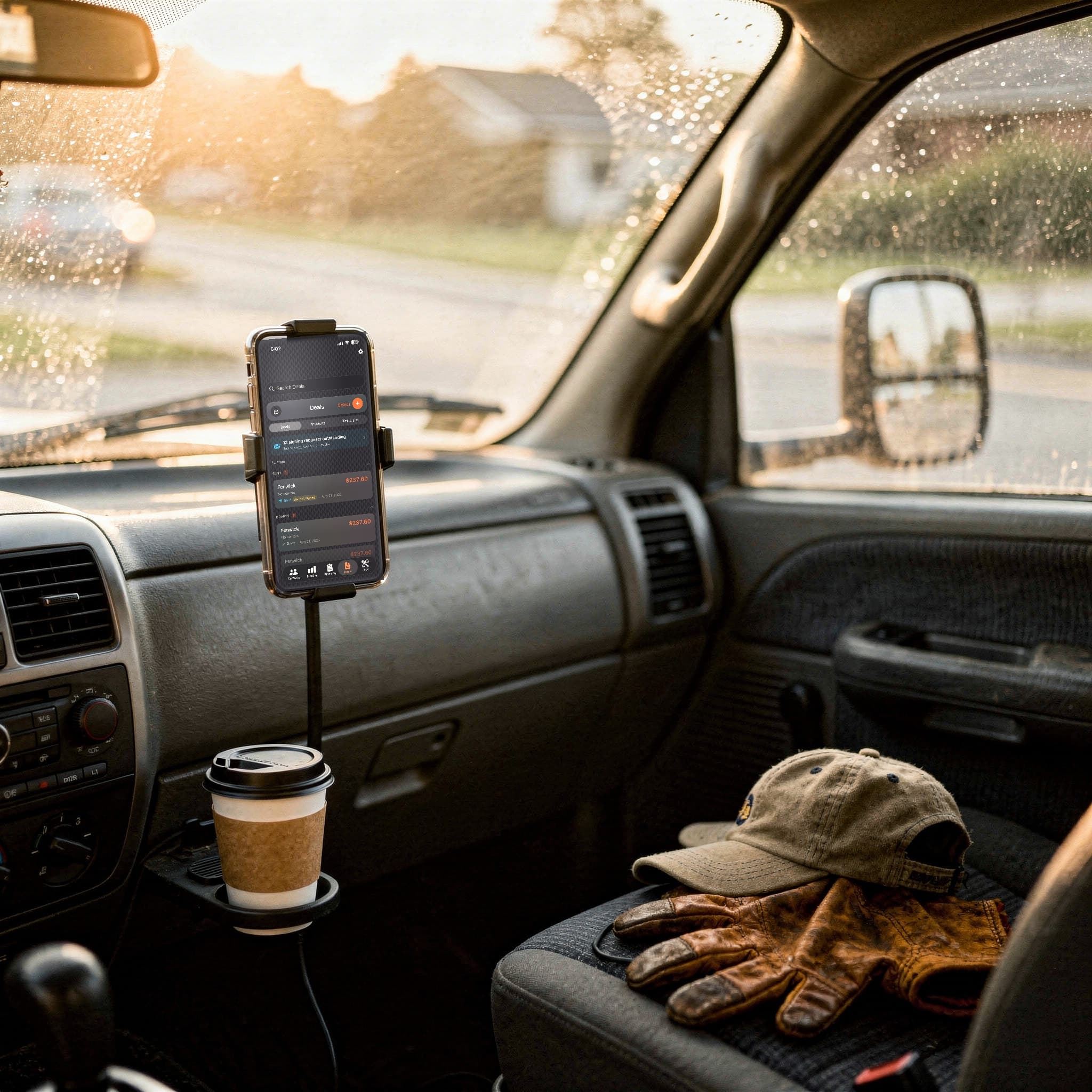
Because they already signed the quote, the invoice isn't a second job — it's the same document with the same line items and the same prices, carried straight over with nothing retyped. Send it from the driver's seat before you pull off, with your business name, your logo and your terms on it. Not ours.

~4 hrsa week that used to be Sunday billing and chasing people who forgot.
See a finished invoice
Photo — the truckSending the invoice from the driver's seat, door open, next job on the clipboard.
Step 5

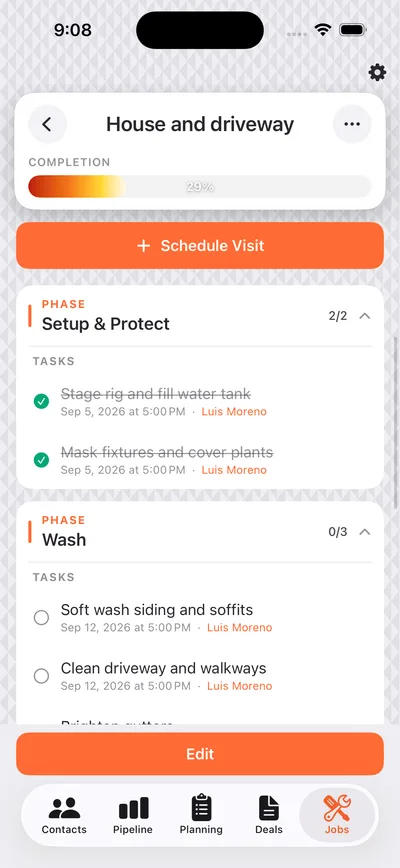
Repeat work puts itself on the calendar

Your monthly and quarterly customers come back around on their own, land on the calendar, and remind you before they're due — so you're not sitting down every spring trying to rebuild the whole route out of memory and last year's notebook.

A seasonof route planning you simply stop doing by hand.
See the calendar
Photo — the weekAnvil planning calendar on a phone propped on a dash, week visible at a glance.

The screenshots above are placeholders — they should be real Anvil screens shot on a real phone in a real driveway before this page is finished.

Rather just watch?

Ninety seconds with the person who built it, walking through the same five steps out loud. Jump to whichever bit you actually care about.

Video — founder walkthroughWeston to camera. Same five steps, spoken. Chapter chips underneath so a visitor jumps to their own question.
See the week this was built for →